PRODUCTS

           
Products Download Buy Now Support Login Register F.A.Q. Send Message Screenshots

Home Home
Products Products
Download Download
Buy Now Buy Now
Support Support
Login Login
Register Register
F.A.Q. F.A.Q.
Send Message Send Message
Screenshots Screenshots


Product InformationLogged in as: Visitor

Optical Media imaging and emulation tools

DAEMON Tools Pro Advanced (32/64bit) v4.30.0303

» Compare with other DAEMON Tools products

› Buy Full Version incl 1 Year of Free Upgrades for €39.90 (~$53.87)

› Buy Full Version incl 2 Years of Free Upgrades for €66.90 (~$90.32)

› Buy Full Version incl 3 Years of Free Upgrades for €86.90 (~$117.32)

› Buy Full Version incl 5 Years of Free Upgrades for €114.90 (~$155.12)

› Download Evaluation Version (20 days limitation)

Best product for optical media emulation.
All DAEMON Tools features are now available in one solution — DAEMON Tools Pro Advanced.


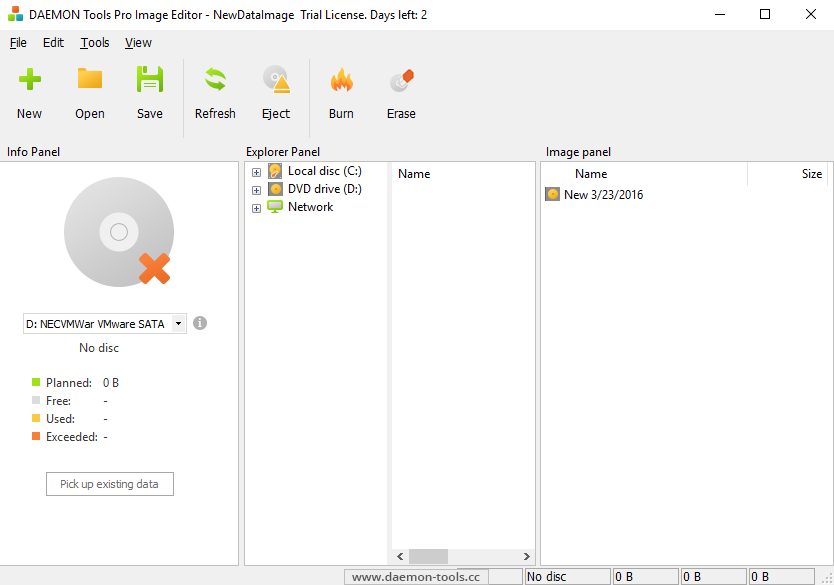
Burning is now included in DAEMON Tools Pro!
Burn your images to all types of media CD/DVD/HD DVD or BluRay.
No additional software for burning.
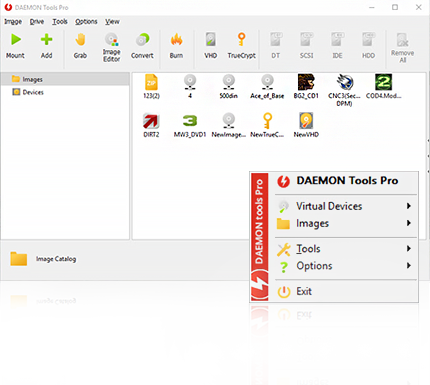
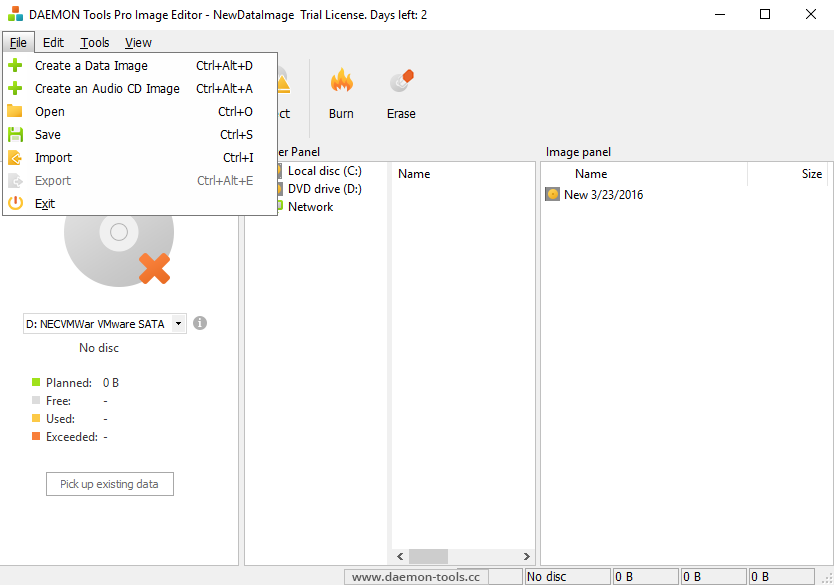
Now you can create, manage and burn images with only one tool — DAEMON Tools Pro!

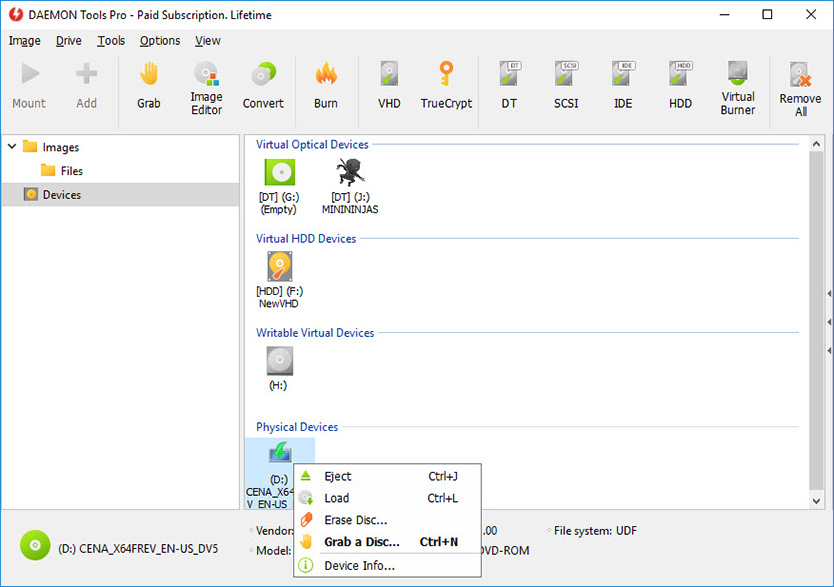
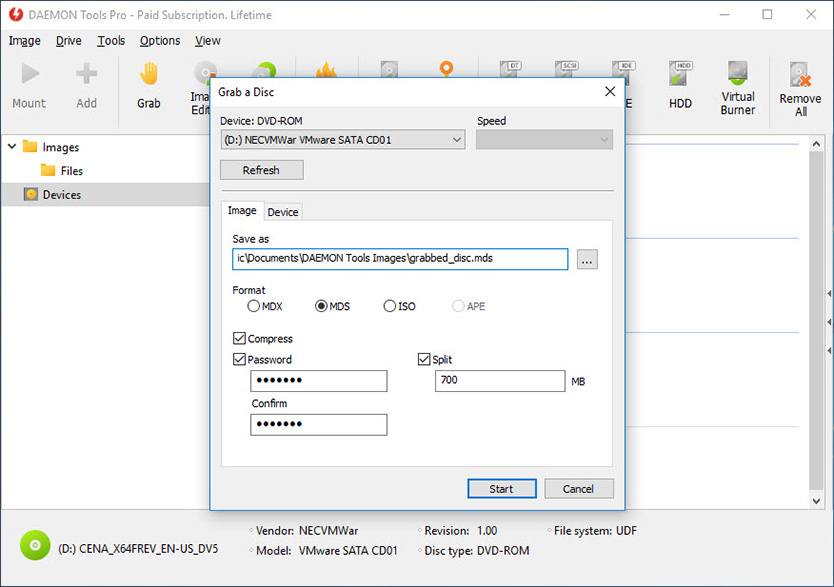
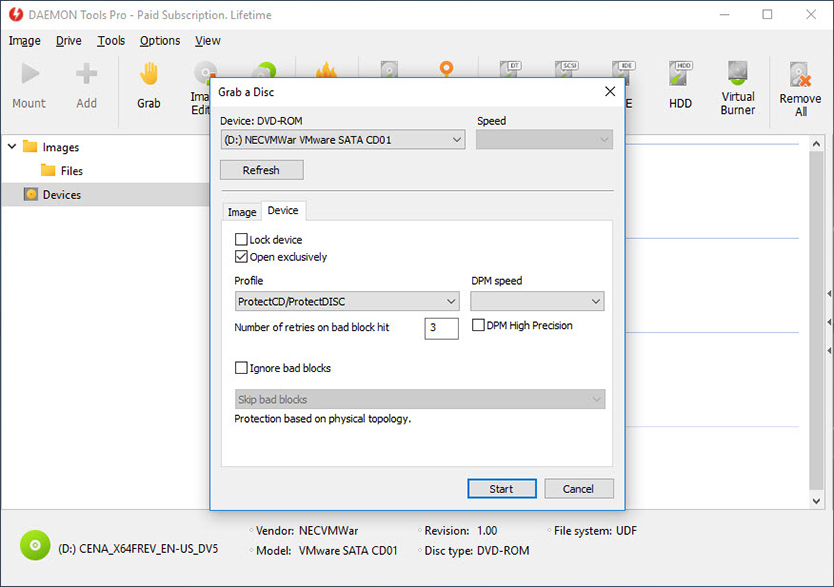
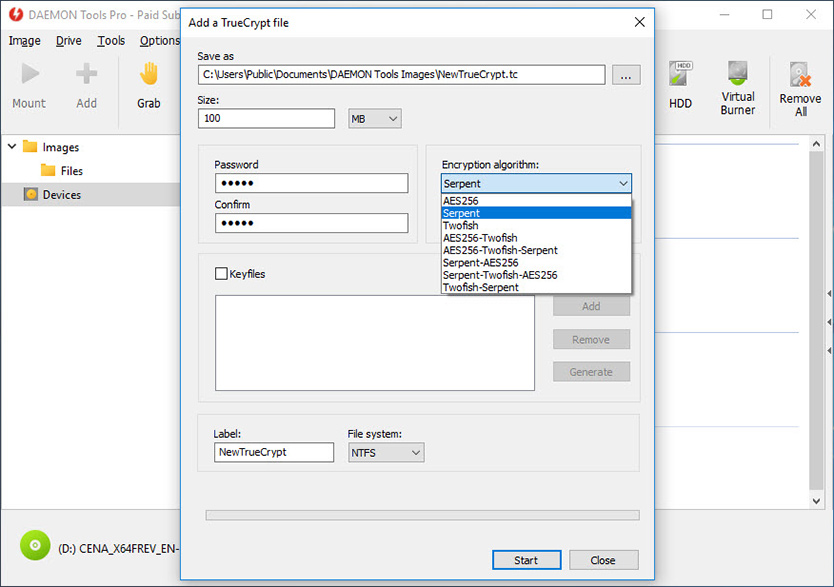
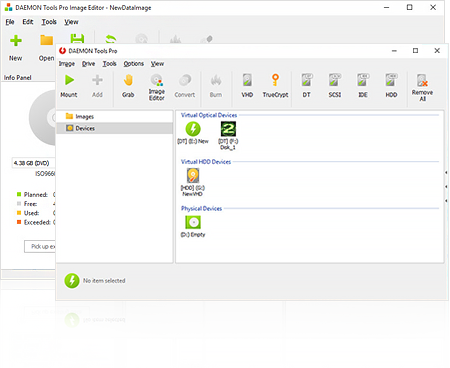
Use full DAEMON Tools Pro functionality: create images using preset profiles, compress data, split image files, protect your image information, burn to CD/DVD, emulate not only CD/DVD but also HD DVD and Blu Ray drives, plus …

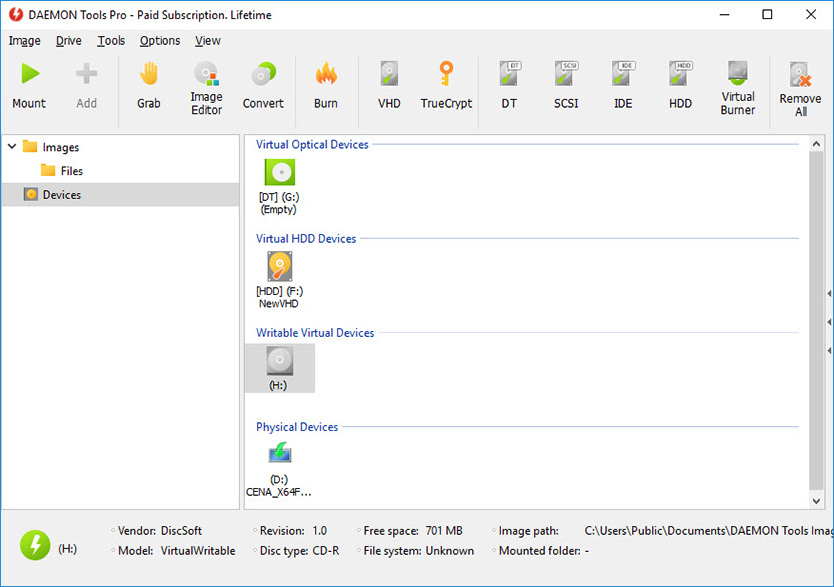
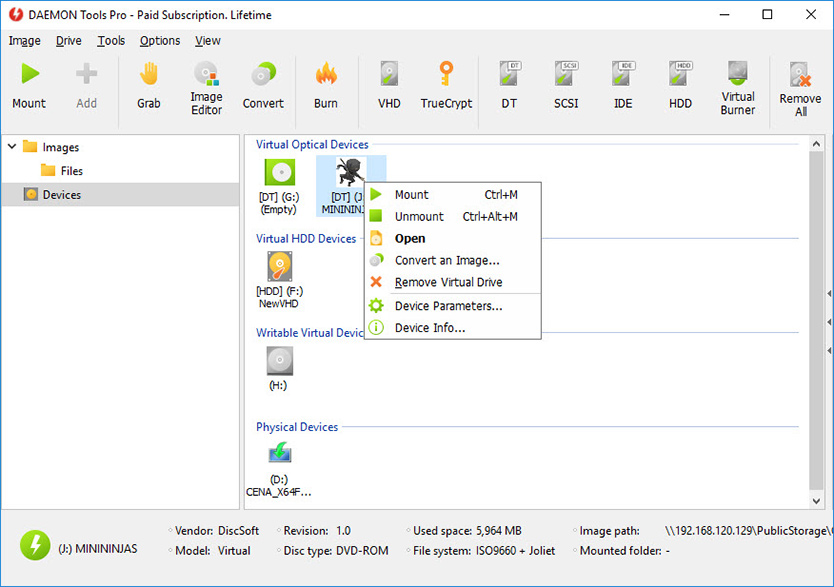
Get even more virtual CD/DVD/HD DVD/BluRay drives. With DAEMON Tools Pro Advanced you have ability to create 32 virtual devices.

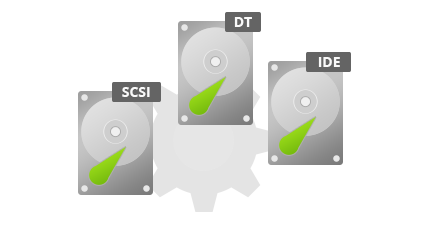
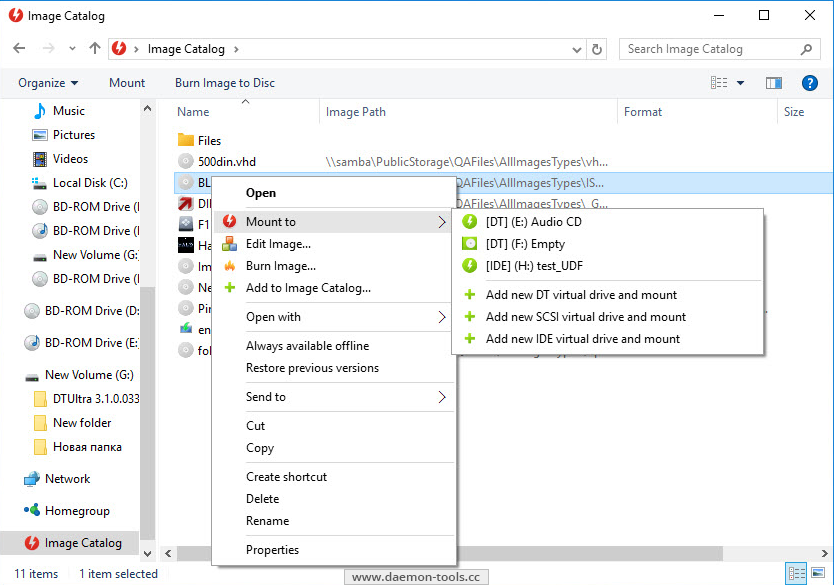
Only DAEMON Tools Pro Advanced has a special feature for advanced users — possibility to emulate not only SCSI but also IDE virtual devices.

If all English letters are already assigned to devices and there is no free one left then you can still create virtual devices but without letters. With DAEMON Tools Pro it is possible!

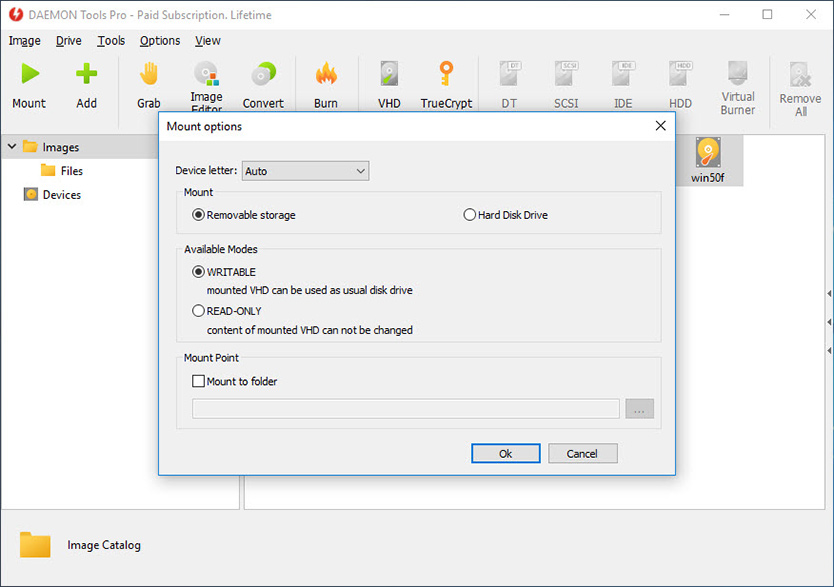
But if your drive doesn’t have a letter you won’t see it in My Computer. How to get mounted image data on such drive then? DAEMON Tools Pro lets you assign folder to virtual drive and then access your virtual disc data opening this assigned folder in My Computer.

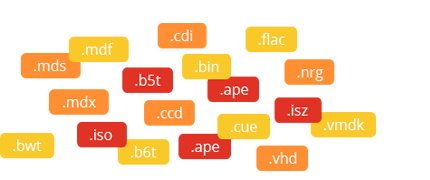
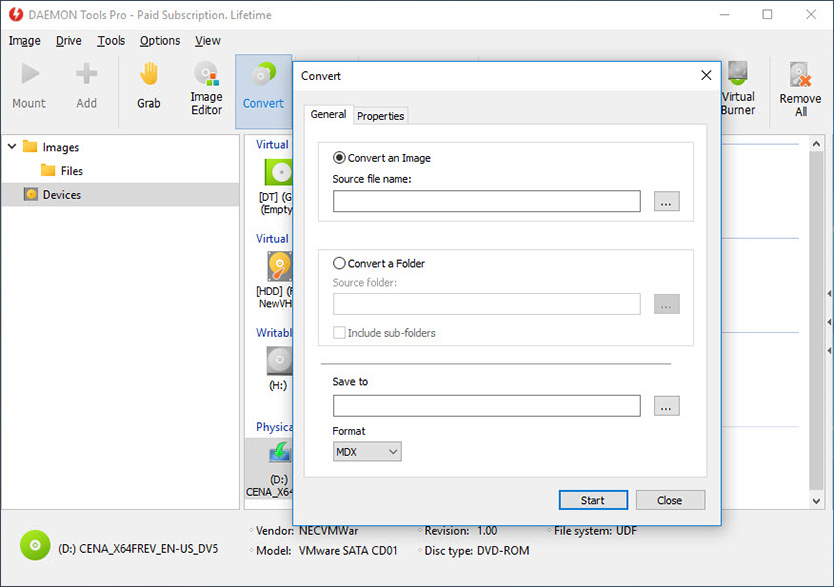
Do you have collection of different disc images types where each has some specificity? Can’t you protect some images due to their format restrictions? Do you want all images in catalog to have a single format? — Convert your image files to Media Descriptor format (*.mds/*.mdf files). It is DAEMON Tools native format and supports all DT Pro functionality. Feel free to use variety of tools and possibilities with MDS/MDF format for disc images.

Download the DAEMON Tools Pro Evaluation and get full functionality ready for use.
Now the evaluation period is 20 days!


Release Notes:

What’s new:
- Burning verify functionality;
- Images mounting from image catalog in Agent menu;
- Images mounting from image catalog in Shell extensions menu;
- Auto update functionality;
- Some GUI improvements;
- Languages updates.

Bugs fixed:
- BlindWrite b6t images converting (Advanced Edition);
- Images engine bugs;
- Some minor GUI bugs.


DAEMON Tools Pro Standard (32/64bit) v4.30.0303

» Compare with other DAEMON Tools products

› Buy Full Version incl 1 Year of Free Upgrades for €16.90 (~$22.82)

› Buy Full Version incl 2 Years of Free Upgrades for €25.90 (~$34.97)

› Buy Full Version incl 3 Years of Free Upgrades for €32.90 (~$44.42)

› Buy Full Version incl 5 Years of Free Upgrades for €41.90 (~$56.57)

› Download Evaluation Version (20 days limitation)

Professional but not Advanced product that offers essential tools for emulation and image making.
What you pay is what you get. Now available at more attractive price.


more »


© 2005 - 2009
 Disc-Soft.com