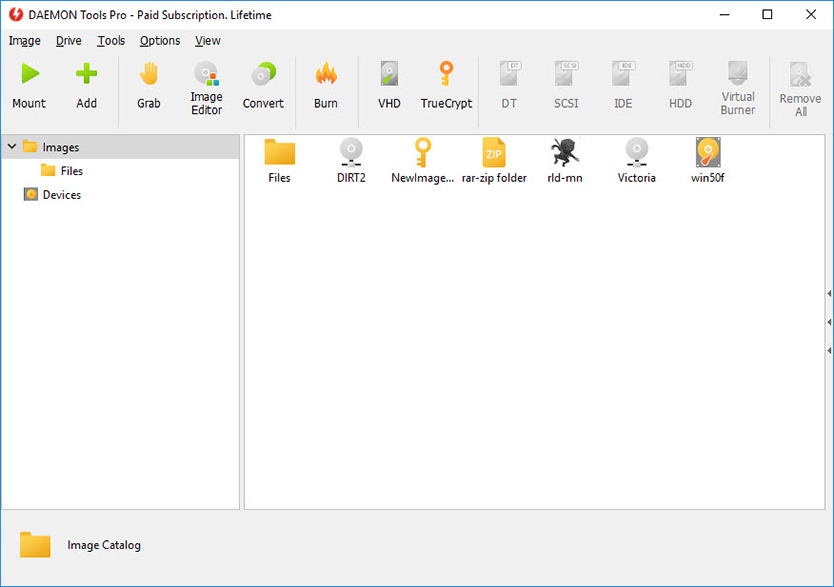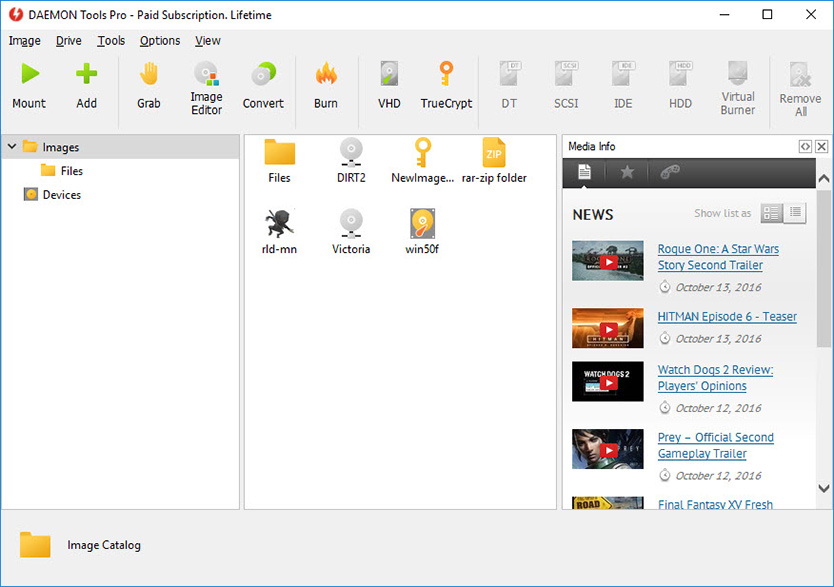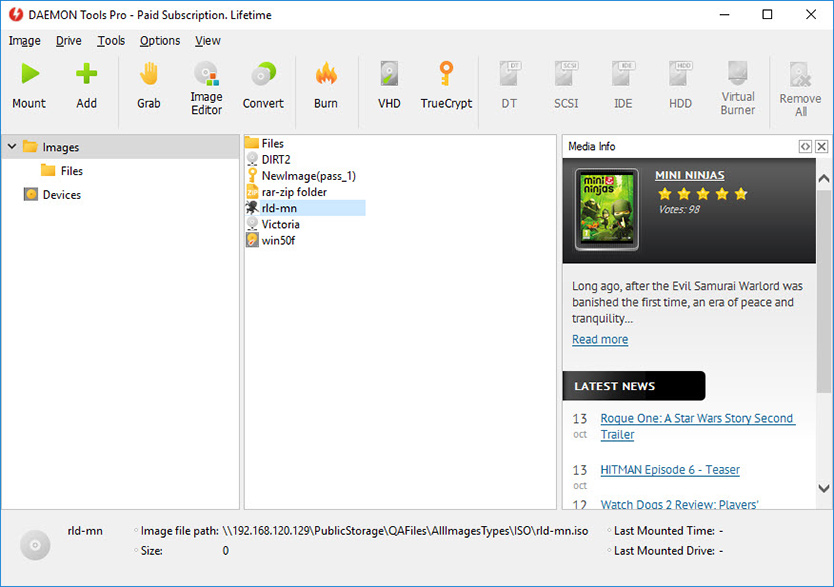
DAEMON Tools Pro Standard v4.30.0305
» Compare with other DAEMON Tools products Buy Full Version incl 1 Year of Free Upgrades for €16.90 (~$22.82) Buy Full Version incl 2 Years of Free Upgrades for €25.90 (~$34.97) Buy Full Version incl 3 Years of Free Upgrades for €32.90 (~$44.42) Buy Full Version incl 5 Years of Free Upgrades for €41.90 (~$56.57) Download Evaluation Version (20 days limitation) | Professional but not Advanced product that offers essential tools for emulation and image making.


Wide functionality at reasonable price.
Windows 7 beta supporting is now available in DAEMON Tools Pro!
Enjoy testing new OS version with favorite software.
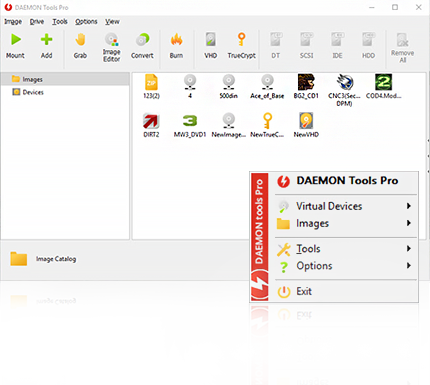
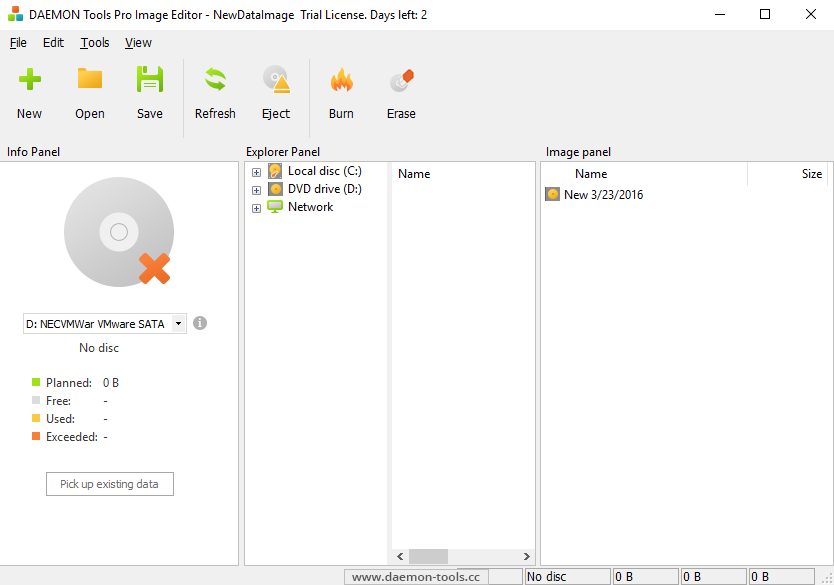
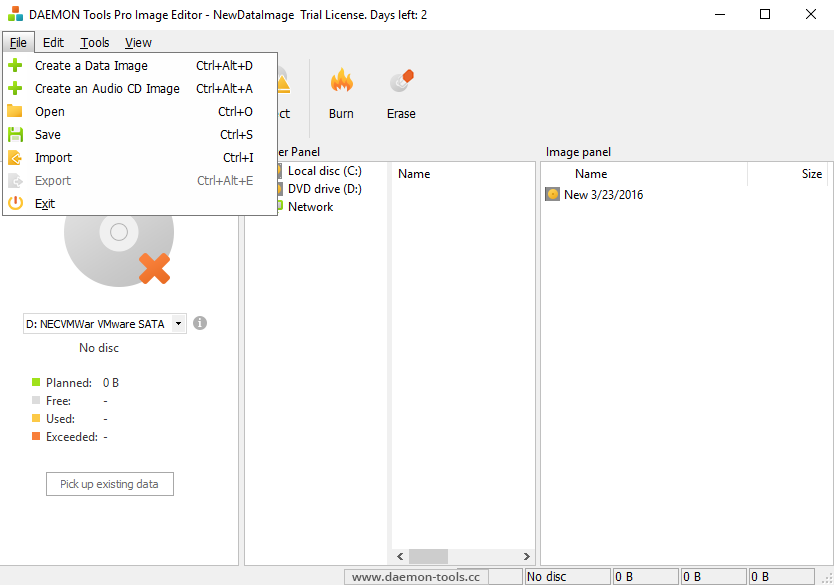
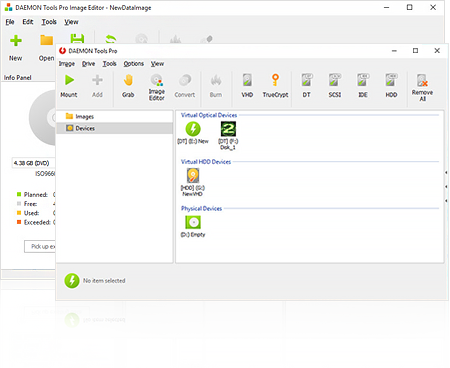
Powerful DAEMON Tools functionality now allows you to edit image files with Image Editor. It is simple like it was never before!
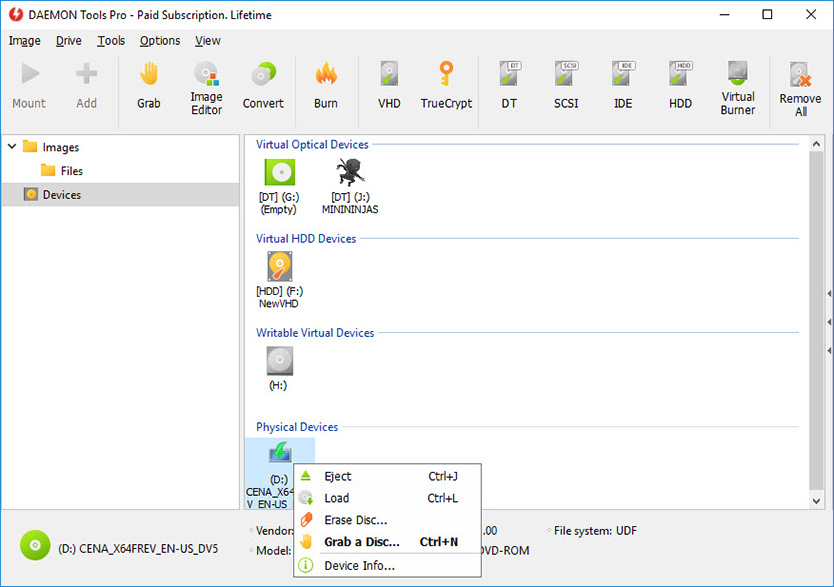
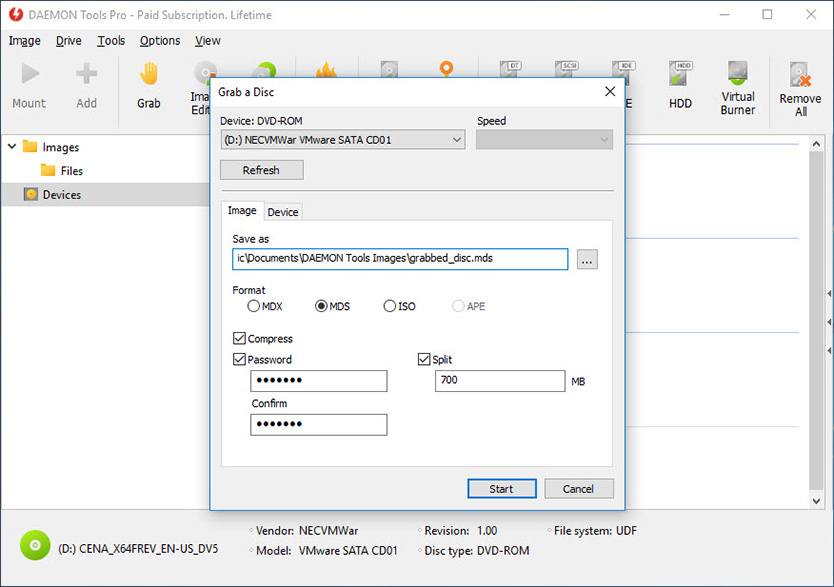
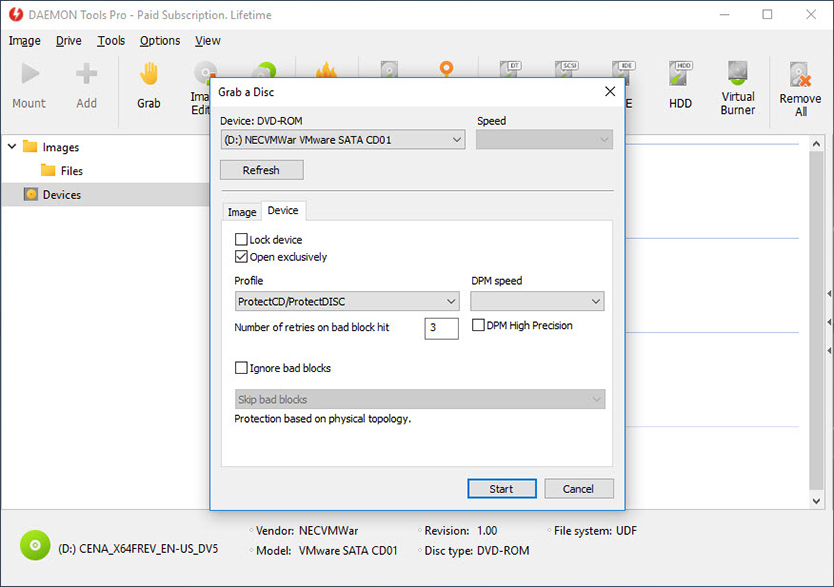
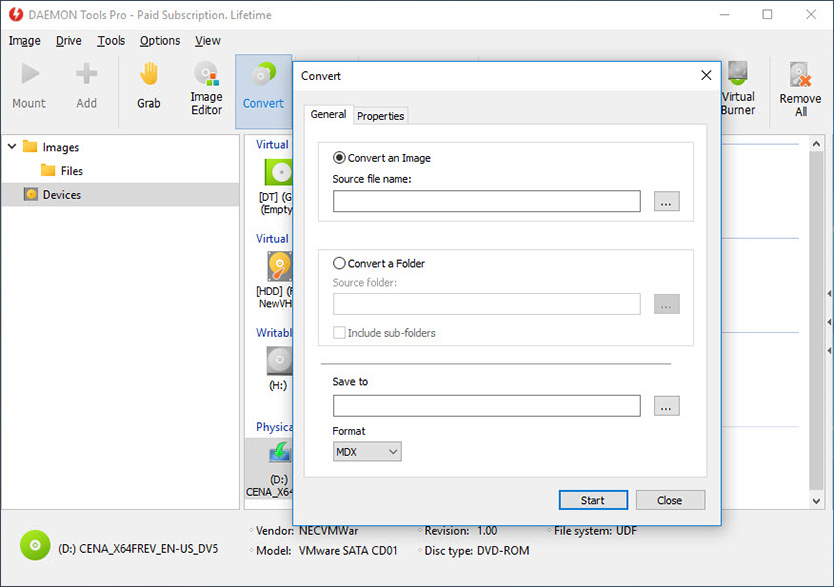
Create image files of your original discs with DAEMON Tools Pro Standard. Use preset profiles to save exact data copy of many media types. Have your expensive media stored safely on your computer for instant retrieval at the click of a button. No more searching for the correct disc or software application install disc, everything is at your finger tips.
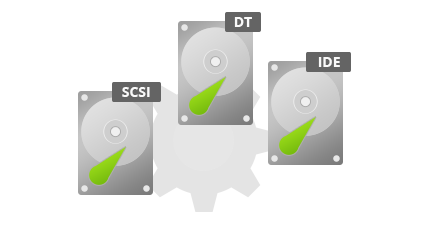
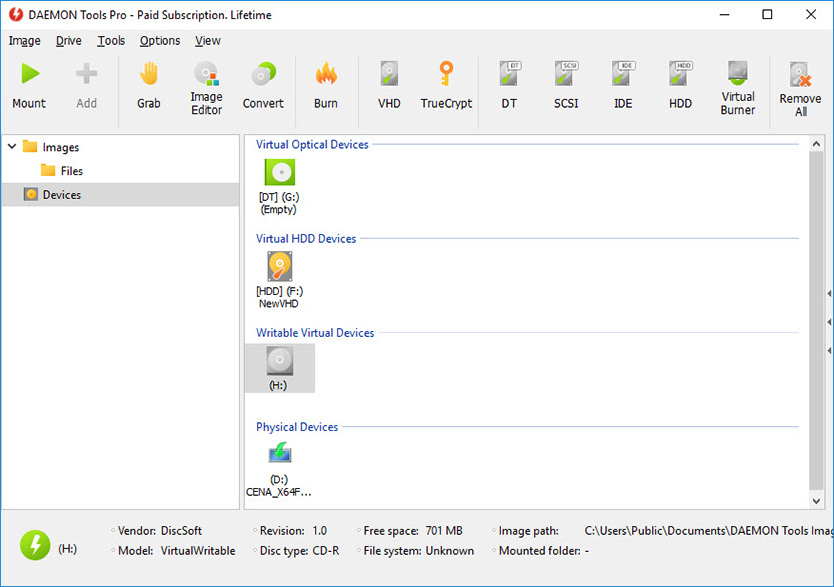
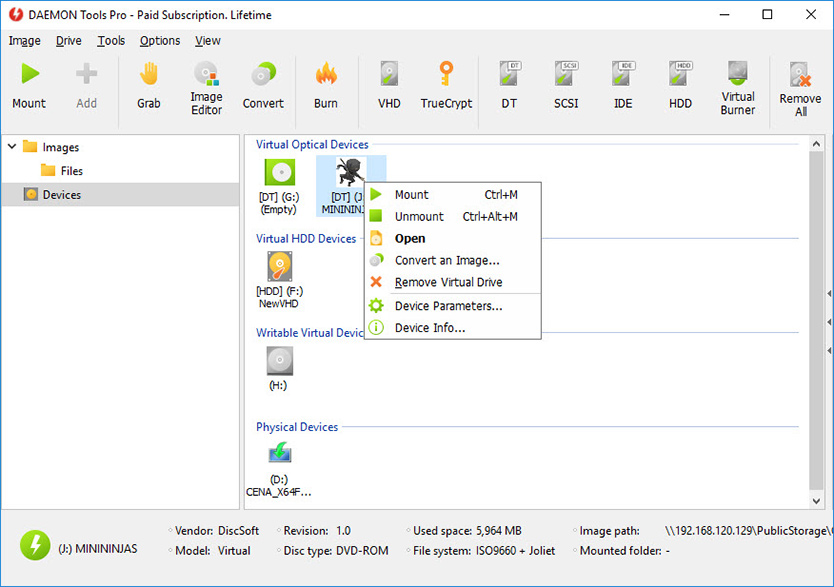
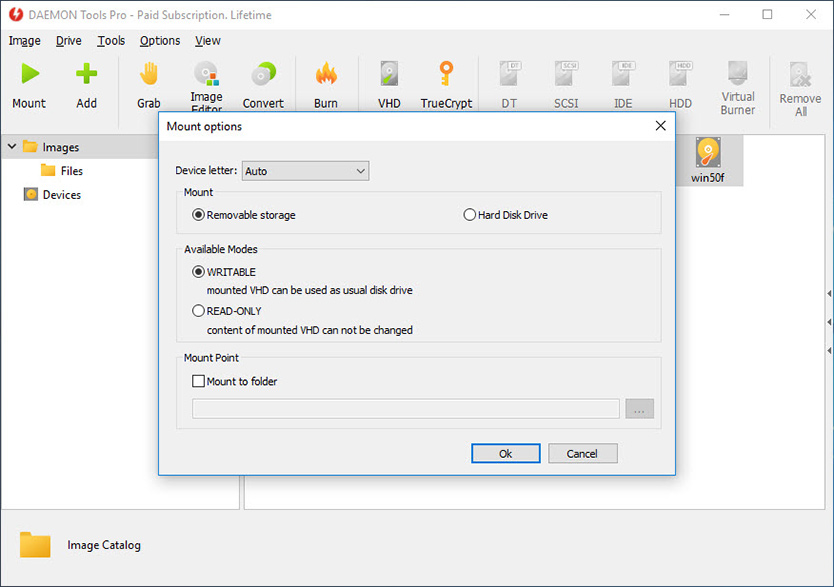
DAEMON Tools Pro Standard enables you to emulate not only CD/DVD drives but also HD DVD and Blu-ray ones. The maximum number of virtual drives that you can mount with images simultaneously is 16.
DAEMON Tools Pro Standard enables you to compress data while making an image file and save your hard drive space.
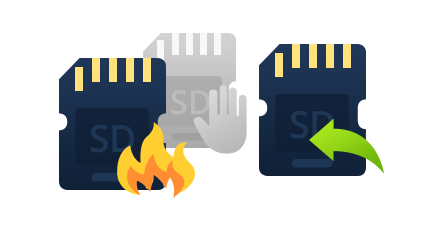
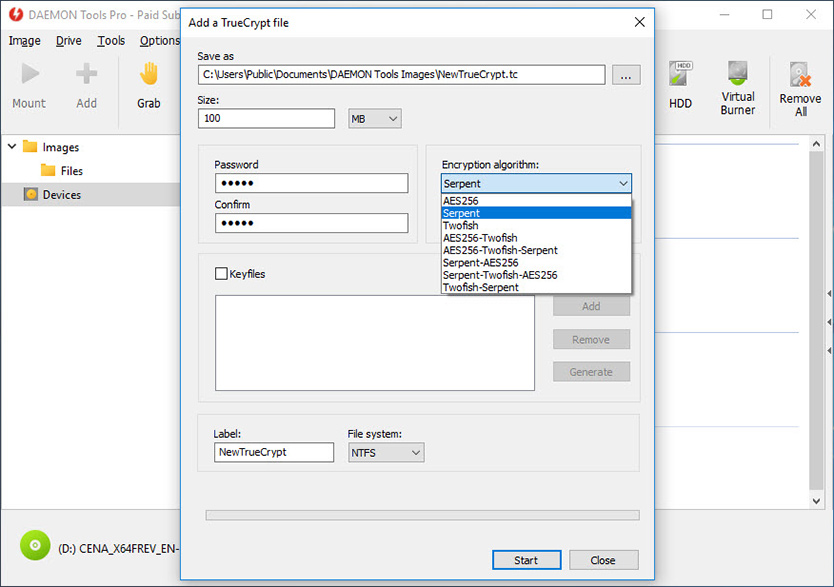
Do you want to protect your image? Just set the unique password before start the disc imaging process. And only the ones who know the password will be able to mount that image and get its content.
Are you going to create the disc image but the image file size is too big to save it on available media? Using DAEMON Tools Pro Standard you can split the image file to several parts and save every one to separate discs. It is like making multivolume archive with your favorite archiver.
Download the DAEMON Tools Pro Evaluation and get full functionality ready for use!
Try Image Editor and get all management tools for your image files!
Release Notes:
What's new:
- Image Editor;
- Windows 7 beta supporting (SPTD 1.58);
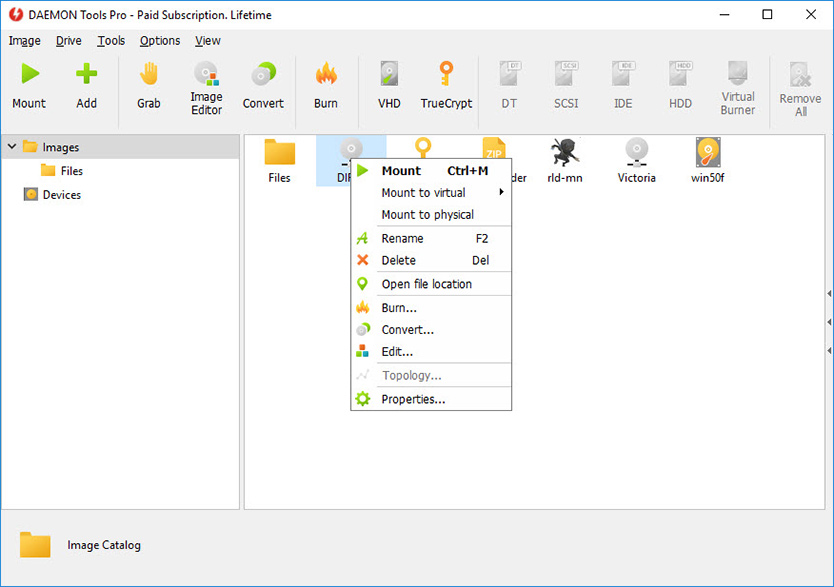
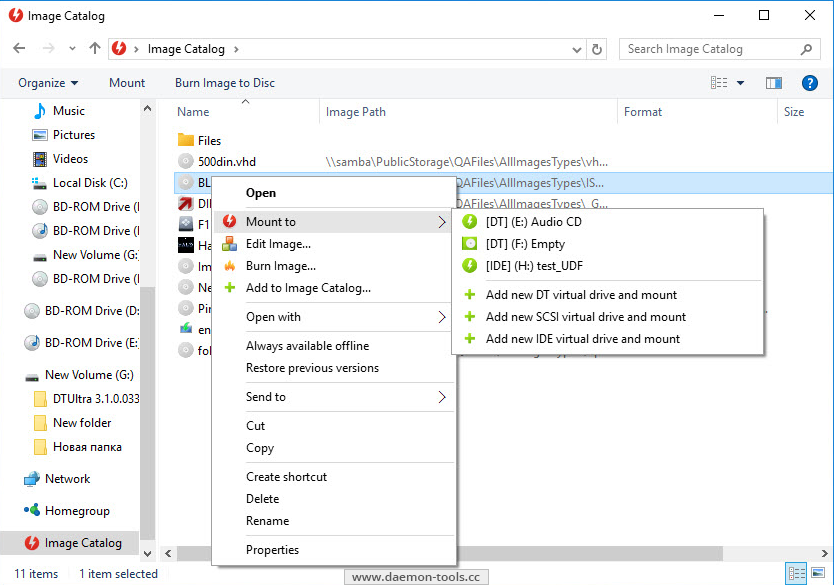
- Explorer images context command "Edit Image...";
- Agent command line parameter "help";
- mdf-file type association option;
- Output image type switcher (mds/iso) on Disc Imaging dialog;
- Languages updates.
Bugs fixed:
- Iterative DTProHlp.exe UAC confirmation at DTPro startup;
- Adapters switching from Virtual Device Manager under user account with enabled UAC;
- Access denied message with DTPro started under user account;
- Program Compatibility Assistant issue of setup;
- Lock media during disc imaging issues;
- Some GUI issues with not default DPI;
- Folders in Image Catalog get cloned;
- Device icon with mounted image that has "Custom Icon";
- Send request dialog closing after success sending;
- Tab switching in DTPro issues;
- Drag & drop images from Explorer improving;
- Agent: Recently Used Images icons displaying;
- Shell Extensions engine improving;
- Setup improving: Unicode supporting;
- Some minor GUI bugs.
|